
Track travel spending in the currency you paid in
Log a coffee in euros or a hotel in yen. Pocket PnL converts it to your home currency for your totals, and keeps the amount you actually paid and the rate it used.

Free on iPhone. Needs iOS 17 or later.
How it works
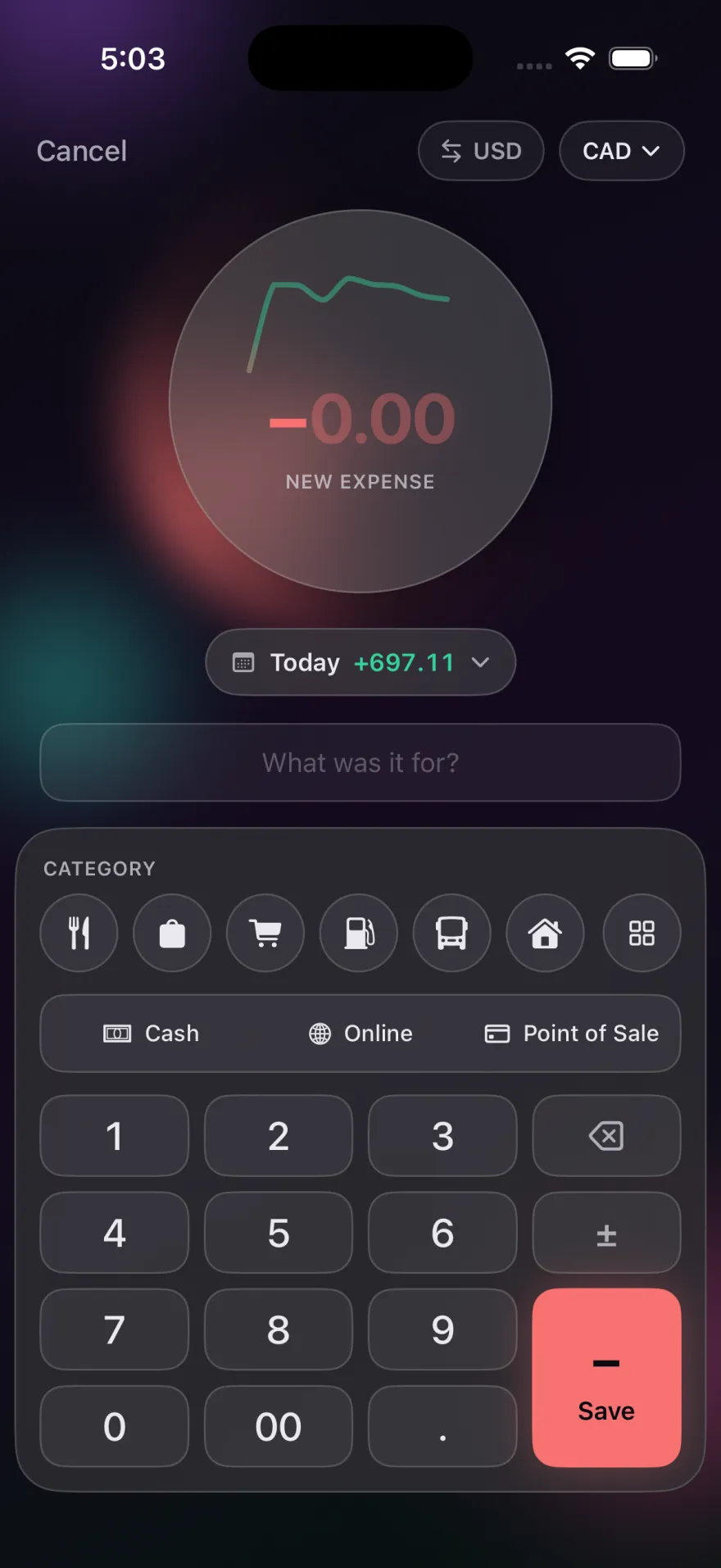
On the add screen, tap the currency next to the amount and pick the one you paid in. Pocket PnL looks up the exchange rate for that day, converts the amount to your home currency, and saves both. Your balance, calendar and stats all use the converted figure, so a trip doesn't scramble your totals.
Each entry keeps the original amount, the original currency and the exchange rate, so you can always see what the receipt said. They're all included in the CSV export too.
Currencies and rates
- You can log entries in 31 currencies, and choose your home currency from more than 150.
- Rates come from Frankfurter, a free public service that publishes the European Central Bank's reference rates.
- Rates are cached for an hour. Offline, Pocket PnL uses the last rate it knew, so you can log on a plane.
What the rate lookup sends
Only the two currency codes and a date, for example "EUR to USD on 2026-08-03". The request never includes your amount, your note, your tags or anything that identifies you. It's one of only three things the app ever connects to, as the privacy policy explains.
A simple way to track a trip
- Create a tag for the trip, like "Lisbon 2026".
- Log each expense in the local currency with that tag.
- When you're home, search for the tag and select the results to see what the whole trip cost in your own currency.
Good to know
- The converted amount uses a reference rate, which can differ a little from what your card or exchange counter charged. If the exact figure matters, edit the entry once the charge posts.
- Recurring entries always use your home currency.
Start with today's coffee.
There's no account to make first. Open the app, tap minus and type the amount.
Free on iPhone. Needs iOS 17 or later.