
Recurring bills and subscriptions that log themselves
Rent, a paycheck, a streaming plan: set each one up once and Pocket PnL adds it on the day it's due, then tells you it did. Nothing changes behind your back.

Free on iPhone. Needs iOS 17 or later.
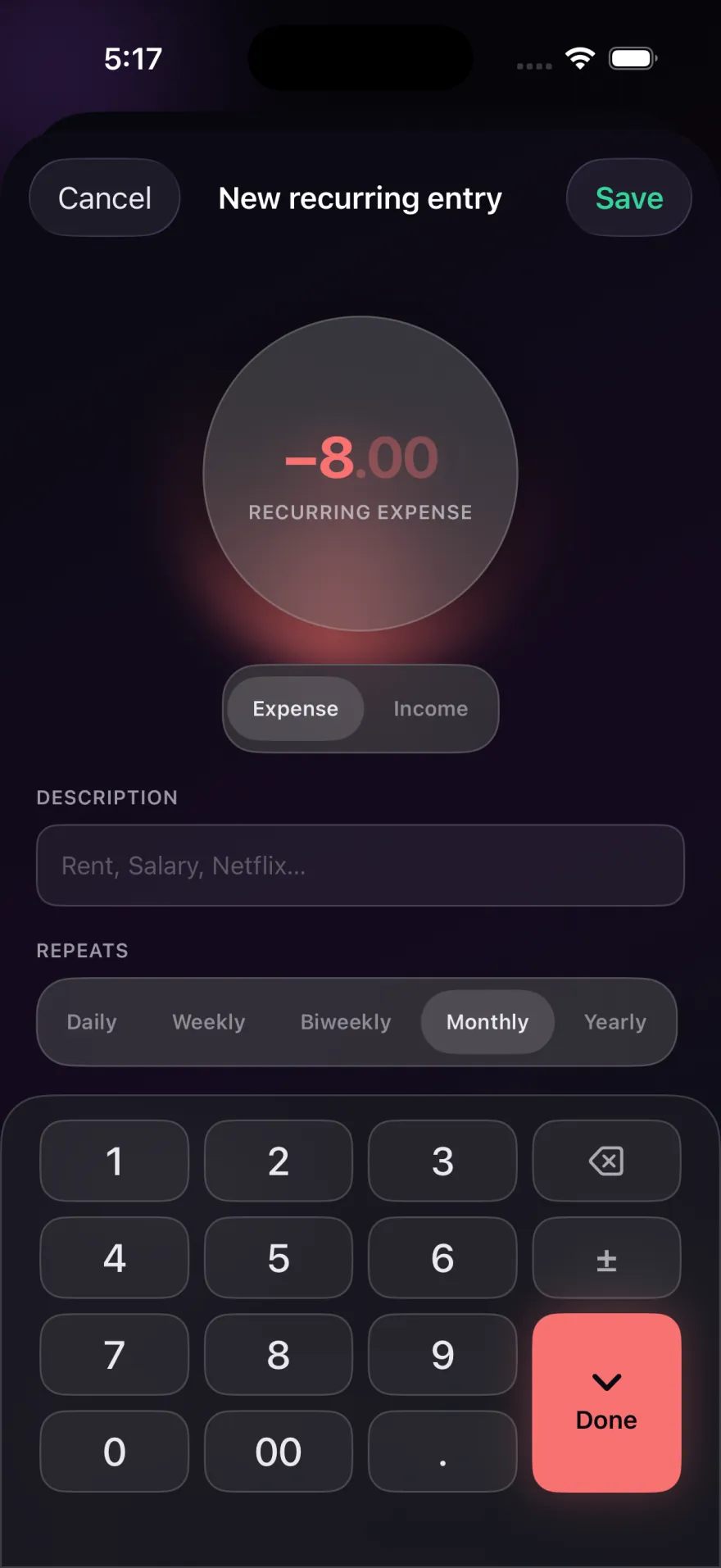
Setting one up
A recurring entry is a rule: an amount, a note, a tag if you want one, and how often it repeats. You can pick:
- daily
- weekly
- every 2 weeks, which suits most paychecks
- monthly, for rent and most subscriptions
- yearly, for things like an annual membership
Give it an end date if it stops, such as the last payment on a loan, or leave it open.
What happens on the day
When you open Pocket PnL, or come back to it, the app adds any entries that came due. A banner on the Today screen says what was added, so you're never surprised by a balance that moved on its own.
The entries it creates are ordinary entries. You can edit one if the amount was different that month, or delete it. A deleted recurring entry stays deleted and isn't added back.
Pausing and stopping
Pause a rule when something stops for a while, like a gym membership you've frozen. While it's paused nothing is added, and when you resume it, Pocket PnL doesn't backfill the months you skipped. To stop for good, end or delete the rule.
Use it to see what subscriptions cost you
Give every subscription the same tag, such as Subscriptions. Stats will then show what they add up to over a month or a year, which is often more than people expect. Our list of money saving tips starts with exactly this check.
Good to know
- Recurring entries are always in your home currency.
- Recurring entries are free, like all logging in Pocket PnL.
Start with today's coffee.
There's no account to make first. Open the app, tap minus and type the amount.
Free on iPhone. Needs iOS 17 or later.